Browser Extension (Free AI Method)
Browser Extension - Free AI Method
Requires Ultimate Engine CoPilot v0.8.5 or later. Make sure your plugin is updated before using the browser extension.
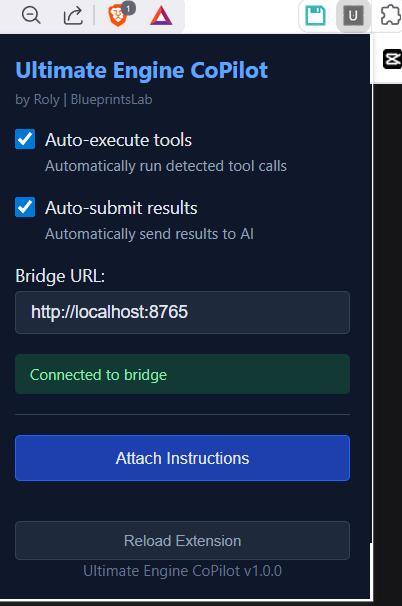
The Ultimate Engine CoPilot Browser Extension lets you use free AI platforms like Google AI Studio and DeepSeek Chat as your UE5 development assistant - with zero API key costs.
Instead of paying for API keys (OpenAI, Anthropic, etc.), the extension connects these free browser-based AIs directly to your Unreal Engine project. The AI can create Blueprints, manage assets, generate materials, and more - all through natural conversation.
Supported Platforms
| AI Platform | Cost | Link |
|---|---|---|
| Google AI Studio | Free | aistudio.google.com |
| DeepSeek Chat | Free | chat.deepseek.com |
Requirements
- Unreal Engine 5 with the Ultimate Engine CoPilot plugin installed
- A web browser (Chrome, Edge, Brave, or Firefox)
- A verified purchase of the plugin
Download & Setup Guide
The browser extension is available exclusively to verified buyers.
The download page includes the full setup guide with step-by-step instructions, screenshots, settings reference, and troubleshooting tips.
FAQ
Is this really free? Yes. Google AI Studio and DeepSeek Chat are free platforms. The extension itself is included with your plugin purchase at no extra cost. You don’t need any API keys.
How is this different from using the plugin’s built-in AI? The built-in AI uses API keys (OpenAI, Anthropic, etc.) which cost money per request. The browser extension routes through free AI platforms instead, giving you unlimited usage at zero cost.
Do I need to keep the plugin running? Yes. The extension communicates with UE5 through the plugin’s built-in HTTP server. The plugin must be open with the widget window active for the extension to work.