Unreal Engine Radar: Build a Rotating Radar HUD With AI
How to build an Unreal Engine radar HUD: a round panel with a player dot, a red dot for every beacon within 3000 units and a view that always points forward, built from one AI request.

A radar in Unreal Engine is three small ideas: a round panel with a dot for the player, a list of the things to show, and a little math that turns the real position of each thing in the world into a position on a small circle. The easiest way to build one is to ask an AI for the whole HUD in a single request, with its round panel, dots and rotation.
In this walkthrough, Ultimate Engine CoPilot builds a round radar that shows a red dot for every beacon in range and always points forward. You get the exact prompt, two visual problems the AI found in its own screenshots and a plain explanation of how a radar works.
What the finished radar does
At the top right of the screen there is a round radar with a gold ring and a white dot for the player in the middle. The red dots are four glowing beacons around the player. The top of the radar is always forward. When you turn, the whole radar turns with you and the dots go around. When you walk far away from two of the beacons, their dots disappear from the radar.
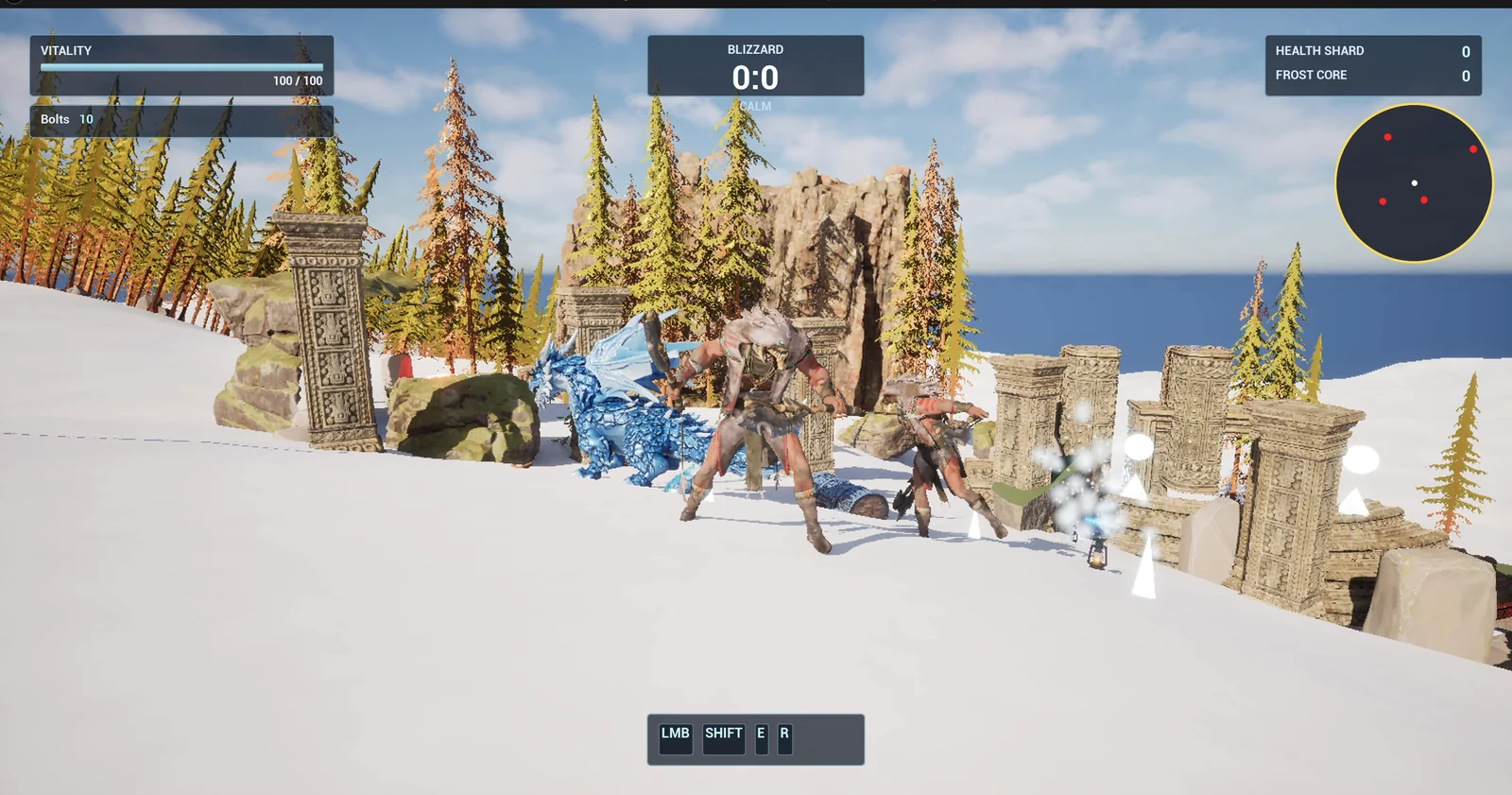
The radar at the top right, with the player dot in the middle and red dots for the beacons in range.
The prompt
Copy this, change the size or the range, and see what the AI builds:
Make a radar HUD. Create WBP_Radar in /Game/Series/EP43_Radar, a round dark panel 220 pixels across at the top right of the screen with a small white dot for the player in the middle and a gold ring. Create BP_RadarController in the same folder, an actor that I place once in the level, that adds the widget on BeginPlay and every 0.1 seconds shows a red dot on the radar for each BP_RadarBeacon within 3000 units of the player, placed by the real position of the beacon relative to the player and rotated with the direction the player looks, so the top of the radar is always forward. Create BP_RadarBeacon, a small glowing pillar. Keep the radar range and size as variables. Place four beacons around the player start at different distances. Then play test it: check the dots match the beacon positions, turn the player and check the dots rotate, walk away from a beacon beyond 3000 units and check its dot disappears, and fix anything that does not work.One sentence does the heavy work: “rotated with the direction the player looks, so the top of the radar is always forward”. Without it, the AI could build a map where north is always up. With it, you get a real radar. And the numbers, 220 pixels, 3000 units and 0.1 seconds, become variables.
How the AI builds it
The AI starts by reading the project and the HUD, to see where the other panels are. Then the assets appear in the Content Browser: the radar widget, the controller and the beacon, plus two extra ones the AI decided it needed: a small widget for one red dot and a glow material for the beacon.
The radar does not create and destroy dots all the time. It keeps a small pool of dots and shows or hides them, which is cheaper. When the game starts, the controller creates the radar widget and puts it on the screen, and a timer calls the update function every tenth of a second.
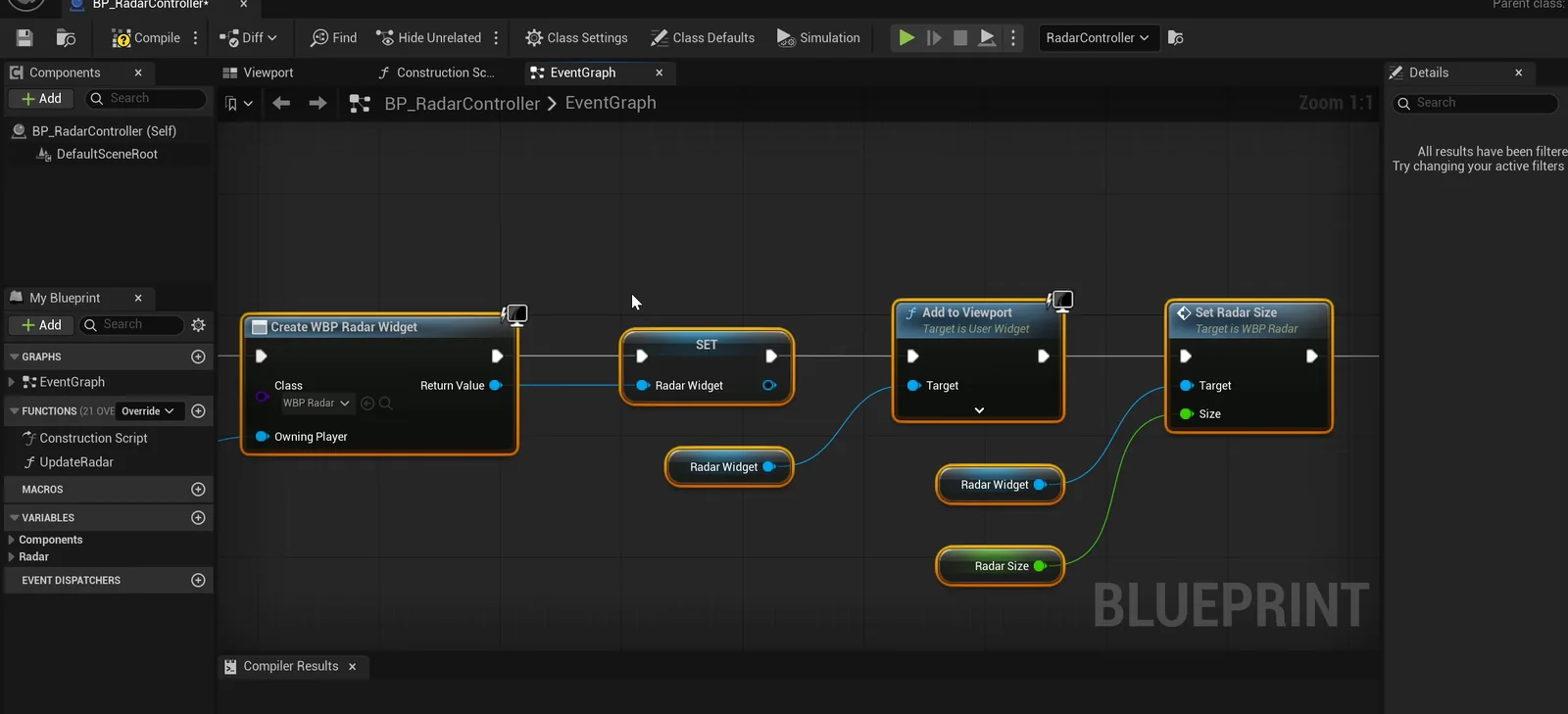
The controller graph: it creates the widget at the start and sets the radar size.
The play test
The positions pass, with four dots: the front beacon at the top, the right one at the right, the back one at the bottom and the left one at the left, each at the right distance. When the player turns 90 degrees to the right, the beacon on the right moves to the top and the other three go around with it. At 3300 units from the left beacon, the count of dots drops from four to three.
Two visual problems
Then the AI looks at the screenshots and finds two things the numbers did not show:
- The panel was light grey. The dark tint had been reset to white, which also hid the white player dot. It is now dark, and the screenshot shows the dot and the gold ring clearly.
- The radar overlapped the Health Shard and Frost Core panel. The AI moved it down to sit just below that panel, 24 pixels from the right edge and 130 pixels from the top. In a level without that HUD there will be a gap above it.
The report
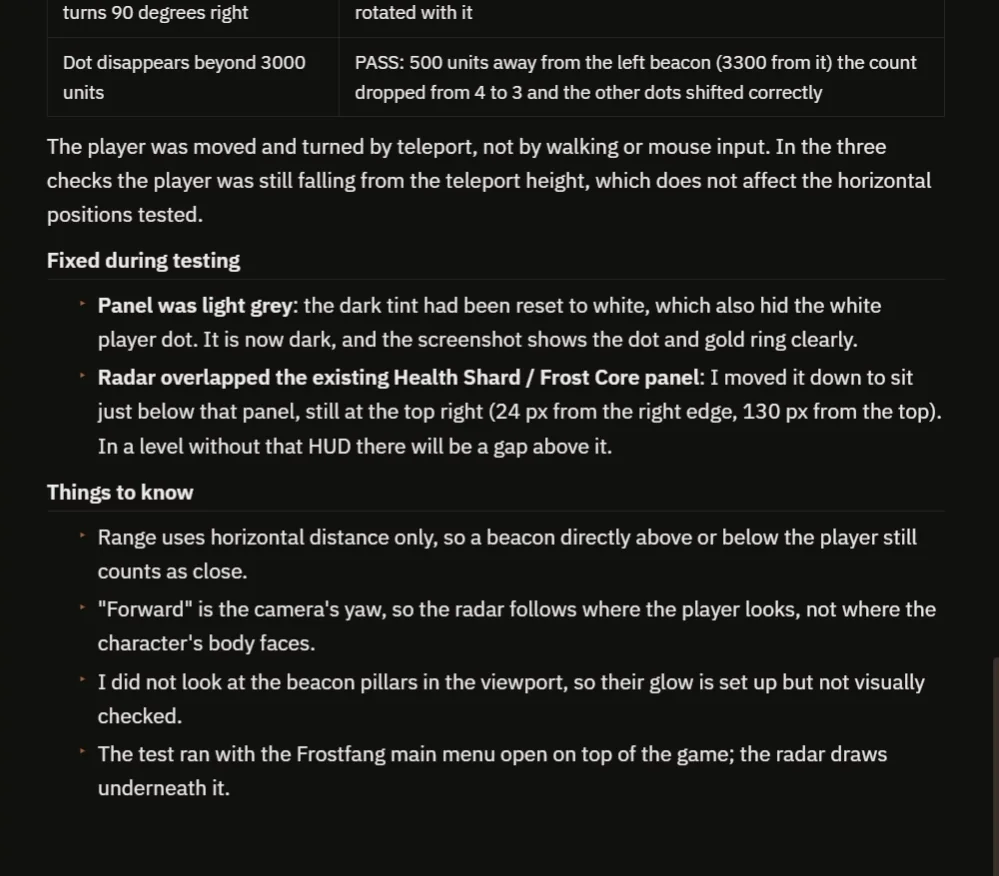
The checks, the two fixes and the notes.
The report also tells you what to know:
- Range uses horizontal distance only, so a beacon directly above or below the player still counts as close.
- “Forward” is the camera’s yaw, so the radar follows where the player looks, not where the character’s body faces.
- The AI did not look at the beacon pillars in the viewport, so their glow is set up but not visually checked.
- The test ran with the Frostfang main menu open on top of the game, and the player was moved by teleport, not walked.
That is why the video also shows a real run: turning all the way around, then walking far away until two dots disappear.
How a radar works, in plain words
The controller creates the radar widget once and sets its size. Then a looping timer calls the update function ten times a second. For every beacon in range, the update takes the difference between the beacon position and the player position. Then it rotates that difference by the direction the player looks, so that forward becomes up. It scales it from the world range, 3000 units, to the radius of the radar panel, and puts a dot there. Beacons that are too far get their dot hidden.
Because the range and the size are variables, you can make a small close radar or a huge one with two numbers.
Ideas to extend it
- Different colors: red for enemies and green for friends.
- Arrows at the edge of the radar for things that are out of range.
- A sweeping line that goes around the radar like a real one.
Four tips for radar prompts
- Say what the top of the radar means, like always forward.
- Give the size and the range as numbers.
- Say how often it updates.
- Ask the AI to test the turning and the range, not only the dots.
Frequently asked questions
How do I make a radar in Unreal Engine 5?
Take the difference between each target and the player, rotate it by the player’s view direction, scale it from the world range to the radar radius and place a dot in a round widget.
How do I make the radar rotate with the player?
Rotate the offset to each target by the camera’s yaw, so forward becomes the top of the radar. Say it in the request, because otherwise you may get a map where north is always up.
Why did the AI move the radar?
It overlapped the existing Health Shard and Frost Core panel in the screenshot, so the AI moved it just below that panel.
Try it in your project
See what Ultimate Engine CoPilot can build on the product page, or get it on Fab. See how the AI Blueprint generator works.
More builds from this series: the Unreal Engine compass bar, the Unreal Engine objective marker and the Unreal Engine damage numbers.